What is Enterprise Linux Manager (ELM)?
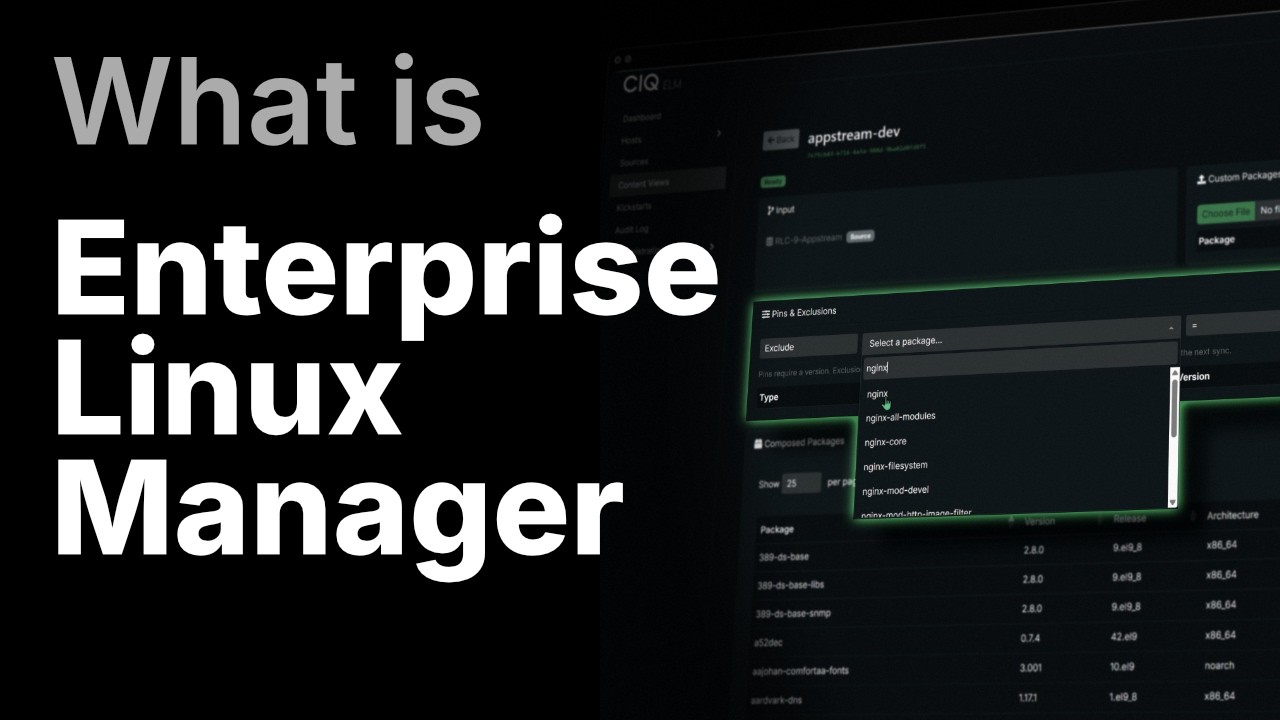
Every host running its own update, on its own schedule, is how a Linux fleet drifts. Enterprise Linux Manager (ELM) gives your team one place to decide which package versions reach each host, and when.
In this walkthrough, we build a complete update pipeline in ELM. Mirror upstream Enterprise Linux repositories onto your own storage, build dev and prod content views, pin production to a tested snapshot, and promote it only when you're ready. Then we test it live: exclude a package in dev, watch dev take the change while production holds, and promote on your schedule.
A real patch-approval step, not a hundred servers running dnf update and hoping.
Enterprise Linux Manager comes with Rocky Linux from CIQ Pro (RLC Pro).
Key takeaways
- Sources: a mirror of upstream repos on storage you own
- Content views: versioned snapshots that don't change until you compose them
- Pinning: freezing production to one tested version
- Host groups: splitting dev from prod across the fleet
- The ELM agent: a signed installer, served over TLS only
- Promotion: moving a tested release into production deliberately
- Beyond the demo: handing off to Ascender, and adding a new OS release
Questions this video answers
Why do Linux fleets drift, and what stops it?
Drift starts when every host updates itself on its own schedule. ELM puts one control point in front of the fleet. You decide which package versions reach each host, and when.
What's the difference between a source and a content view?
A source is a mirror of an upstream repository, kept on storage you own. A content view is a versioned snapshot of what's in that mirror. It doesn't change until you compose a new version.
How does production stay put while dev moves ahead?
Production is pinned to one tested snapshot. Dev keeps taking changes. In the live test, a package is excluded in dev: dev hosts pick up the change, production hosts don't.
How does a tested release get into production?
Promotion. When dev has been tested, you move that release into the production view on your schedule. That's the patch-approval step.
Chapters
- 0:00 Why Linux fleets drift
- 0:45 What is Enterprise Linux Manager?
- 1:25 Sources: mirroring upstream to your own storage
- 2:25 Content views: building the dev tier
- 3:40 Pinning production to a tested snapshot
- 5:00 Host groups: splitting dev from prod
- 5:50 Installing the agent
- 6:45 Live test: dev changes, prod holds
- 7:35 How promotion works
- 8:45 Handing off to Ascender
- 9:20 Adding a new OS release
- 10:00 Recap
This video is part of the RLC Pro playlist. Browse every CIQ video by product and topic.
Transcript
Every organization running Enterprise Linux makes the same call every month. A batch of package updates lands. Some of it belongs in production now. Some of it has to wait for testing. And all of it has to arrive in the right order. On most fleets, nobody actually makes that call. Every host runs its own update on its own schedule and drifts a little further from every other host. Get it wrong and one bad change takes down the system people depend on. What you want is the right tool to help you through this process. This is CIQ Enterprise Linux Manager, or as we call it, ELM. It comes with RLC Pro.
It gives you one place to decide exactly which package versions reach each host and when. You pin a known good release, stage the next one behind it, and promote it when you are ready, instead of letting every box update itself. In this brief demo, we are going to build the following in ELM. Sources, content views, host groups, the agent, and then the promote workflow that ties it all together. A source is a one-to-one mirror of an upstream repository pulled down onto your own storage. Here are the three already in place. The core packages, the appstream, and the RLC Pro content. Individual hosts pull from your storage, not from the internet over and over again.
And a source syncs itself the moment you create it with no extra step. Mirroring upstream to your own storage is safe, so it just happens. What we are going to build next works differently. Nothing there moves until you tell it to, and that is where the real control lives. A content view is a named version snapshot of exactly which packages a host installs. We are going to quickly build two tiers of content views. First, the dev tier. We create a view and point it at a source. Here's where views differ from sources. A content view does not compose itself. It sits and waits until you explicitly hit compose.
Nothing gets built until you say so. We compose the dev views one at a time, and each one goes from pending to composing to ready. Now, let's create the production view. We don't point it at a source. We actually point it at the dev view we just built and pin it to one specific composed version. Not latest, but a specific frozen snapshot. Dev can now be recomposed anytime with new packages, a new rule, whatever the team needs it to do, and production or prod stays exactly where it is. It does not move until a person deliberately moves the pin forward and recomposes. That is how you stop every host from silently drifting the moment upstream changes.
View full transcriptHide full transcript
We can build the same dev and prod pair for all three repositories, so the whole fleet has the same structure underneath it. With the content structure in place, we map it onto the actual fleet. We're going to create two host groups, dev and prod. The dev group gets the three dev views. The prod group gets the three prod views. Then, we assign the hosts, a couple to prod, a couple to dev. This is exactly how a real team splits up a fleet. Same three repositories, a different pin tier per group, one clean line between what is being tested and what is running on production. Each host talks to ELM through a small agent.
One thing worth pointing out why we install it, ELM will not serve the agent installer over plain HTTP. The packages are signed and it refuses to hand a signed installer down an unencrypted connection. Security is not an afterthought here. It is the default. We pull the installer over TLS, run it, and check the host in. Quickly, it shows up in ELM with its agent version and check-in time. And on the host itself, the managed repositories are now the ones its group was assigned. We have built the whole structure. Now, let's use it. Say we need to pull a package out of the fleet. We exclude it from a dev view and then recompose.
On a dev host, we search for that package, and look, it's gone. Dev took the change. Now, the exact same search on a production host. The package is still right there. Production did not take the change. This is the same fleet, same repositories. Two different answers to the same search. That is not a lag catching up. That is production holding because it has been pinned. Here is what is happening underneath. Every time you compose the dev view, you get a snapshot. A frozen point in time. Production is not chasing dev. It is pinned to one snapshot that you picked and you tested. Promotion is the moment you decide a newer snapshot is ready. You point production at it and recompose.
You are not rebuilding production and you are not going package by package. You are choosing which tested snapshot production is allowed to trust. That is a real patch approval step. Dev sees a change first. Production gets it only when you decide to promote it. ELM controls the content life cycle. It does not try to be everything to you. When there's an automation to run against these same hosts, we built ELM to hand off easily to Ascender. So you manage your content in ELM, but you manage your automation in Ascender. Use the right tool for the right job, but make sure they can interact cleanly with each other.
And by the way, this is not locked to just a single release. Adding a brand new OS is the same motion as everything else. We can create a source for RLC 10, point it to a depot, and then let it start mirroring. From here, it is the same workflow you just watched. Mirror, content views, host groups, promote. You can run multiple releases side by side and manage every one of them the same way. Let's review what we built. A source of truth on storage that you own. Content views that can freeze what exactly your hosts can install. Host groups that split dev from prod. We have an agent that keeps every host in line.
And then we built a promote workflow that moves a tested release into production the moment that you decide and not 1 second before. And remember, ELM comes with RLC Pro. If you'd like to learn more or have a guided demo of ELM in action, visit ciq.com today and sign up for more information.
Built for scale. Chosen by the world’s best.
2.75M+
Rocky Linux instances
Being used world wide
90%
Of fortune 100 companies
Use CIQ supported technologies
250k
Avg. monthly downloads
Rocky Linux
9
Enterprise products
Spanning the kernel to the orchestrator
Have questions about your infrastructure?
Talk to a CIQ engineer about Rocky Linux, HPC, and AI infrastructure.