How much time does your team spend configuring Enterprise Linux after launch? LTS repos, FIPS packages, support credentials: it adds up fast, and none of it is the work you actually spun up the instance to do.
RLC Pro (Rocky Linux from CIQ Pro) is available on the Microsoft Marketplace as a pre-configured image. The image includes CIQ repository access, and connecting it to your CIQ Portal subscription enables Long-Term Support and FIPS 140-3 validated packages. Deploy it, connect your subscription, and your Enterprise Linux environment is production-ready.
What you get with RLC Pro on Azure
Here is what RLC Pro adds on top of community Rocky Linux, and why it matters for production workloads.
Long-Term Support. RLC Pro 9 is a rolling release. If you need a pinned environment, LTS versions like RLC Pro 9.6 LTS lock you to a specific minor version, and CIQ maintains them with backported CVE patches for up to four years beyond the community EOL. You don't have to rebuild or revalidate your environment every six months because upstream shipped a new minor release.
FIPS 140-3 validated packages. Available on LTS .2/.6/.10 versions after connecting your subscription and enabling FIPS repositories. These are the NIST-certified cryptographic modules that regulated environments in government, defense, financial services, and healthcare need to pass compliance audits. Part of the subscription, not a separate purchase.
Enterprise Linux binary compatibility. Your applications, deployment scripts, and automation workflows carry over from other Enterprise Linux distributions.
Enterprise support. Basic support is included with your marketplace subscription. Premium support (24x7 with 30-minute Sev 1 response) is available when you need deeper coverage.
Cloud marketplace listings don't require separate registration. If you want to connect your deployment to an existing CIQ subscription to access LTS repos and FIPS packages, that's a single quick step after launch.
Deploy RLC Pro on Azure
In 8 steps and just a few minutes, you will have everything in place to run your workload on RLC Pro:
- Navigate to marketplace.microsoft.com.
- Type CIQ into the Marketplace search bar.
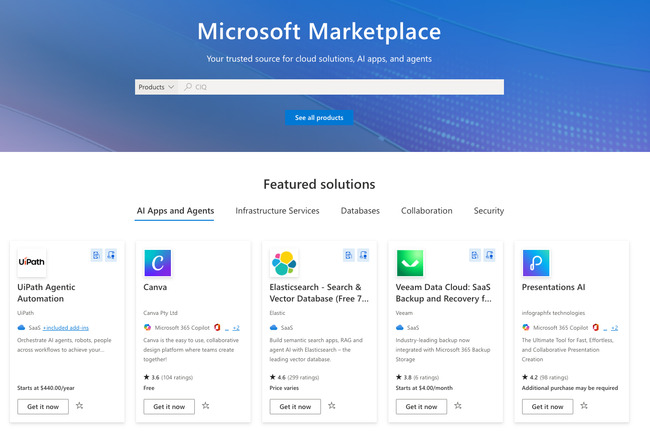
- Click "Get it now" under Rocky Linux from CIQ.
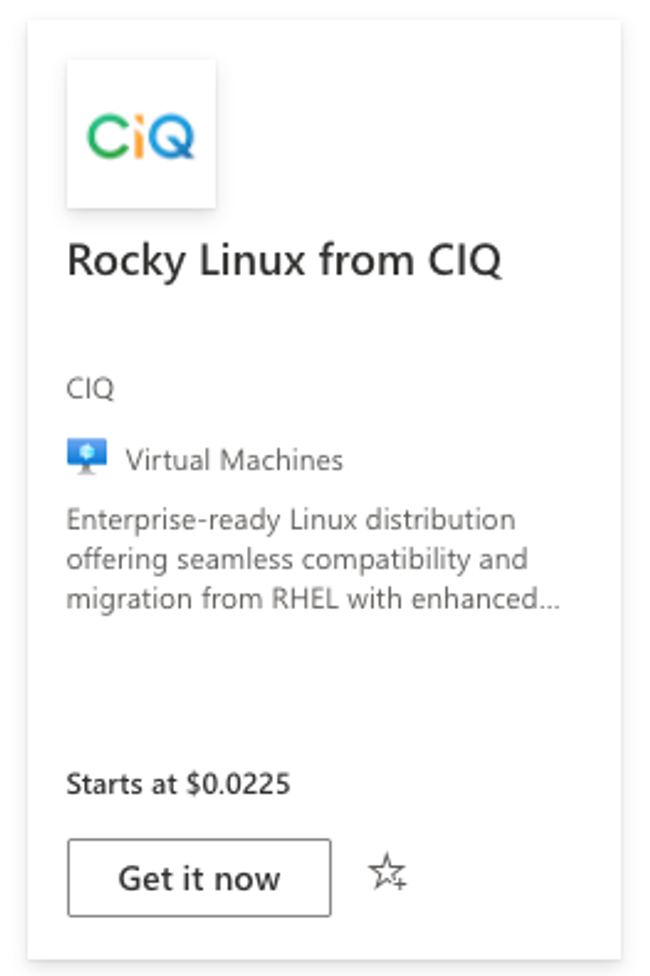
- Select your plan.
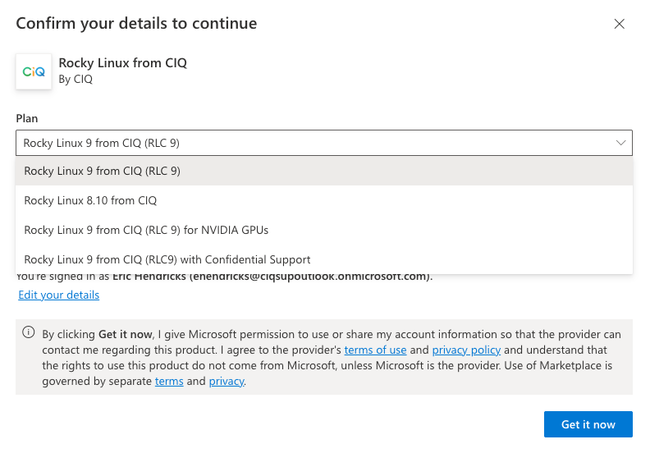
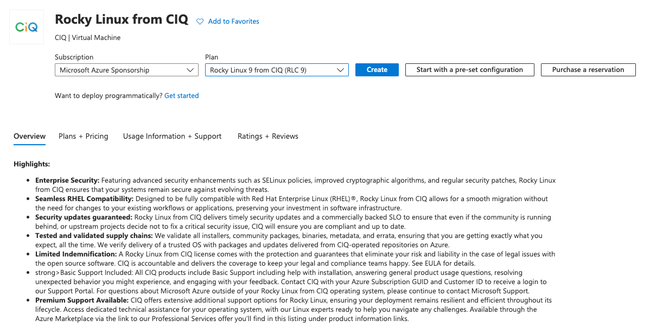
- Select your subscription and confirm your plan, then click Create.
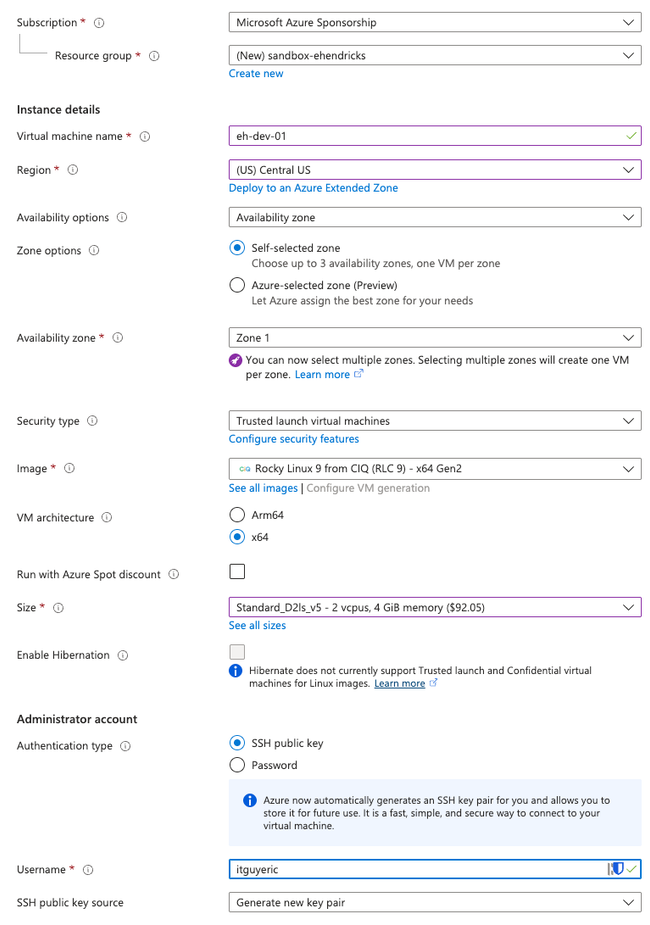
- Fill in the required fields:
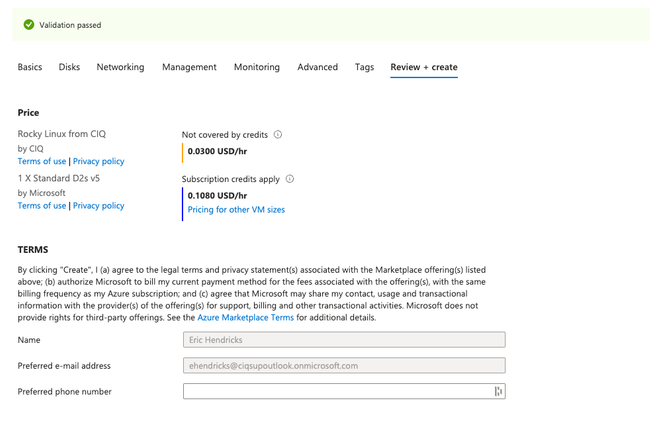
- Click Review + create.
- Run dnf update, reboot your VM, and start configuring it with whatever users, workloads, and configurations you set out to build!
What to do next
If you're deploying across a multi-cloud environment, the same LTS pinning, FIPS validation, and support SLAs apply to RLC Pro on AWS Marketplace and Google Cloud Marketplace. One Enterprise Linux standard, consistent wherever you're running it.
Ready to get started? Head over to portal.ciq.com to set up your account, or find RLC Pro directly in the Microsoft Marketplace. If you want to talk through your deployment architecture first, reach out to the CIQ team.