Your EC2 instance is running RLC Pro with LTS enabled and FIPS packages available before you write a single line of application code. That is the outcome. Here is how to get there.
AWS has broad instance selection, a deep ISV ecosystem, and a long track record for production workloads at scale. It is also where teams spend the most time configuring the things that should have been included in the image: LTS repos, FIPS packages, support credentials.
RLC Pro on AWS skips that. The AMI available through AWS Marketplace is pre-configured with CIQ repository access. To enable LTS pinning, FIPS 140-3 validated packages, and additional support options, connect to your CIQ portal subscription after launch with a single quick step.
What you get with RLC Pro on AWS
RLC Pro adds enterprise capabilities on top of community Rocky Linux that matter most for production workloads at AWS scale.
Long-Term Support. RLC Pro 9 is a rolling release. If you need a pinned environment, LTS versions like RLC Pro 9.6 LTS lock you to a specific minor version, and CIQ maintains them with backported CVE patches for years beyond the community EOL. Your compliance and QA cycles run on your timeline, not the upstream release calendar.
FIPS 140-3 validated packages. Available on LTS .2/.6/.10 versions after connecting your subscription and enabling FIPS repositories. These are the NIST-certified cryptographic modules your regulated workloads require. If you are running FedRAMP-scoped infrastructure, AWS GovCloud deployments, or CMMC-bound workloads, this is what makes that possible without building your own certification posture.
Full Enterprise Linux binary compatibility. If you are migrating from another Enterprise Linux distribution, your applications, Ansible playbooks, and automation carry over without modification. If you are standing up new infrastructure, you are starting from a proven Enterprise Linux foundation.
Enterprise support. Basic support is included with your marketplace subscription. Premium support (24x7 with 30-minute Sev 1 response) is available when you need deeper coverage, backed by the CIQ team that actually helps build Rocky Linux.
AWS Marketplace listings do not require separate registration. If you want to connect to an existing organizational subscription or enable LTS and FIPS repositories, that is a single quick step post-launch via depot enable.
Deploy RLC Pro on AWS
- Navigate to aws.amazon.com/marketplace.
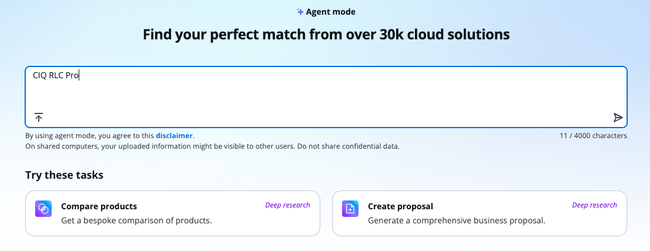
- Select Rocky Linux 9 from CIQ.
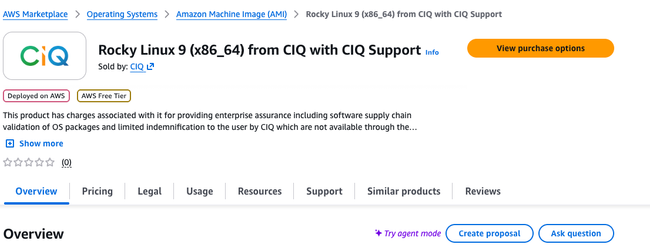
- Subscribe to the listing.
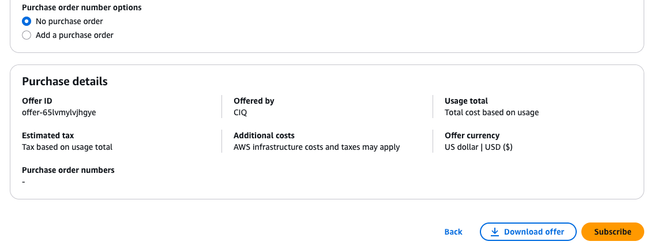
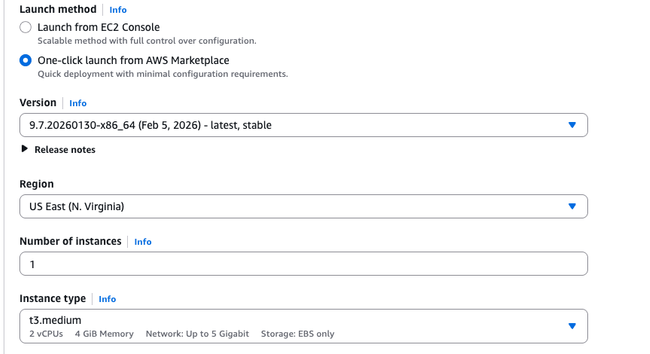
- Configure your EC2 instance.
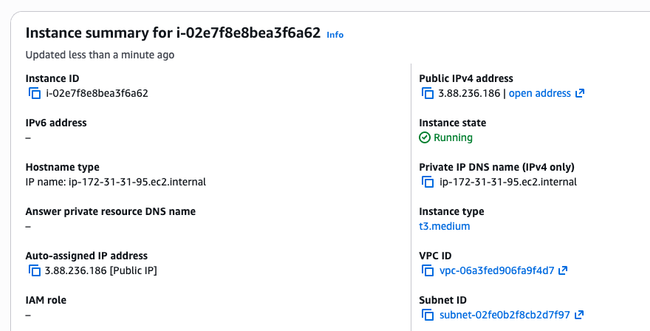
- Connect to your instance.
- Do a dnf update and a reboot.
What to do next
The same LTS versions, FIPS packages, and support SLAs work identically on Azure and GCP. If you are running multi-cloud, that is the point: one Enterprise Linux standard that behaves consistently across providers, whether your workloads live in us-east-1 or anywhere else.
Get started at portal.ciq.com or find RLC Pro in the AWS Marketplace directly. Want help sizing your deployment or mapping your compliance requirements to the right LTS version? Talk to the CIQ team.